

defaultPrivacyLevel field, developers can control data collection sensitivity, supporting modes from displaying all text (except passwords) to completely hiding page text, ensuring user data security and compliance.
Privacy policies
- Mask All Text
- Mask Input Content
- Show All Text
Configure 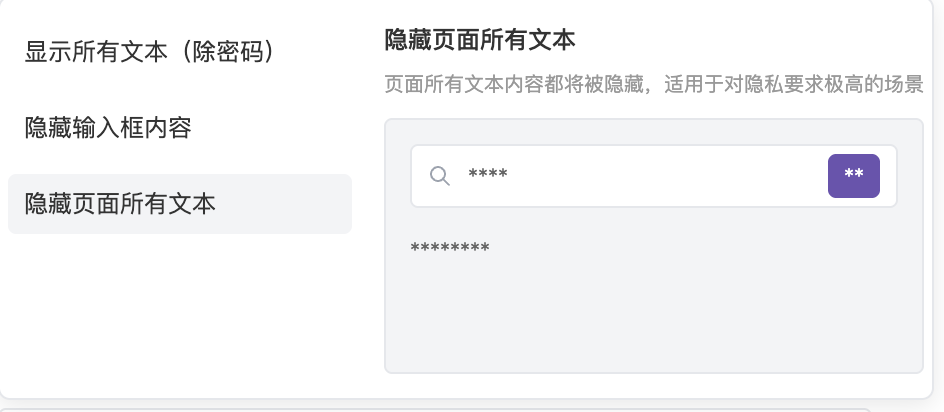
defaultPrivacyLevel: "mask" to completely hide all text content on the page, preserving only operation behavior and page structure. Suitable for scenarios with high data privacy requirements.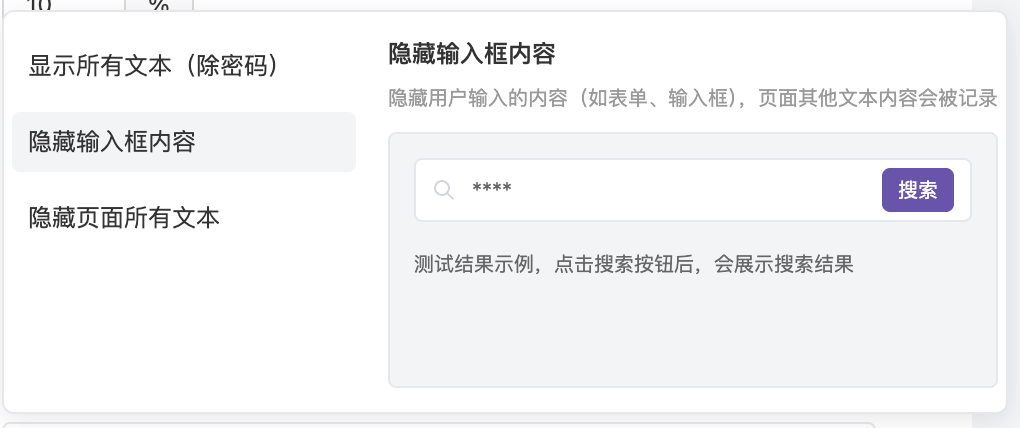
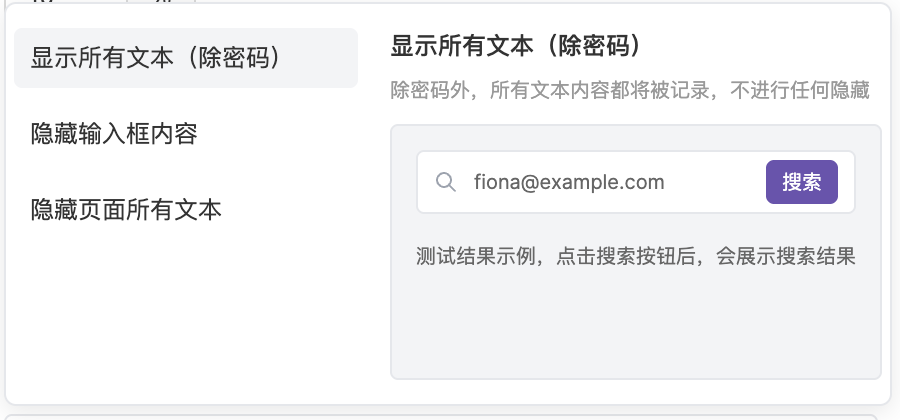
Configuration comparison
Set the privacy level for a specific element
defaultPrivacyLevel applies to the whole page. To hide or mask only a specific area (such as an account balance, an ID number, or an order details panel), add the data-dd-privacy attribute or a dd-privacy-<level> class to that element. Both forms behave the same. The level applies to the element and all of its descendants.
Example: hide an element
Example: reveal an area while the page is masked
The page usesdefaultPrivacyLevel: "mask", but non-sensitive areas such as the navigation bar should stay readable in replays:
How the levels apply
- Child elements inherit their parent’s level. A child can override it with its own
data-dd-privacy, for example settingallowon an element inside amaskarea. hiddencannot be overridden. Once a parent is set tohidden, settingallowon anything inside it has no effect.- Some inputs are always masked. Inputs whose
typeispassword,email,tel, orhidden, and inputs whoseautocompleteiscc-*(payment card data) or*-password, are masked even when set toallow. - Privacy rules are applied in the browser. Hidden or masked content is never uploaded and cannot be recovered later.