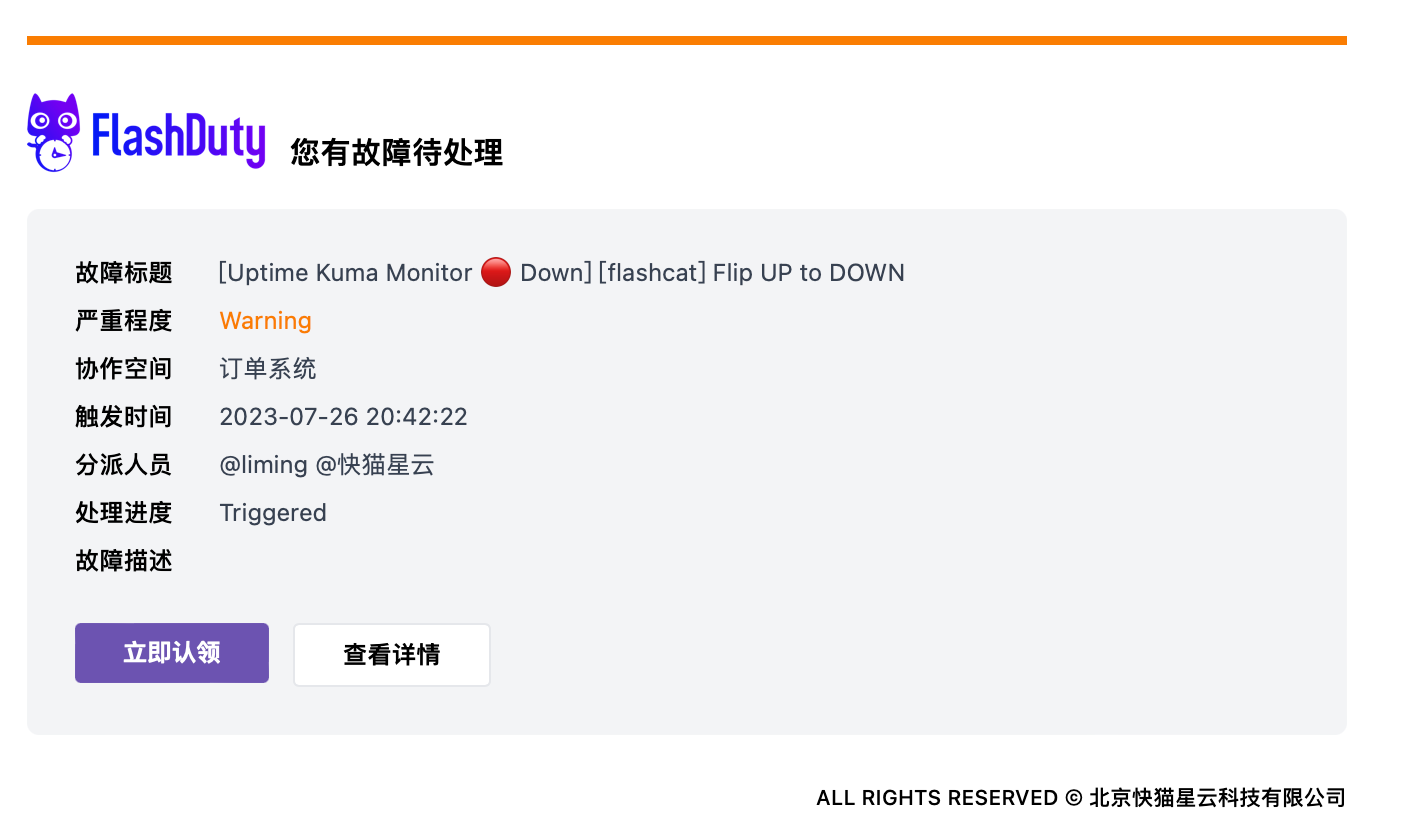
Use Cases
The system uses templates when assigning incidents in the following scenarios:Configuring Templates
Create Custom Template
Edit Template Content
Save Template
Apply Template
Enter Escalation Rules
Select Template
Save Configuration
Variable Reference
Reference Examples
Incident Variables
Complete variable list for incident objects:Related Objects
Person - Personnel Info
Person - Personnel Info
Assignment - Assignment Configuration
Assignment - Assignment Configuration
Responder - Responder
Responder - Responder
Alert - Alert Details
Alert - Alert Details
FAQ
How do I know what Labels are available?
How do I know what Labels are available?
- Manually created incidents have no labels
- Auto-created incidents have labels, same as the first merged alert’s labels
Configured custom template but default template was used instead?
Configured custom template but default template was used instead?
Incident title has character escaping (like >)?
Incident title has character escaping (like >)?
toHtml function to handle:How to convert time format?
How to convert time format?
How to reference external variable inside for loop?
How to reference external variable inside for loop?
$ before external variable:How to extract field value with . (like obj.instance)?
How to extract field value with . (like obj.instance)?
index function:How to extract labels from associated alerts and deduplicate?
How to extract labels from associated alerts and deduplicate?
How to iterate and print Labels?
How to iterate and print Labels?
How to extract info from JSON field?
How to extract info from JSON field?
jsonGet function to extract values by path from valid JSON. Syntax reference at gjson.dev.How to get image URL?
How to get image URL?
How to use logical operations?
How to use logical operations?
How to find more functions?
How to find more functions?
- Function list: functions.go
- Usage examples: Check corresponding
_test.gofiles, e.g., date_test.go
Channel Templates
Different notification channels support different template formats and limitations.- Feishu/Lark App
- Dingtalk App
- WeCom App
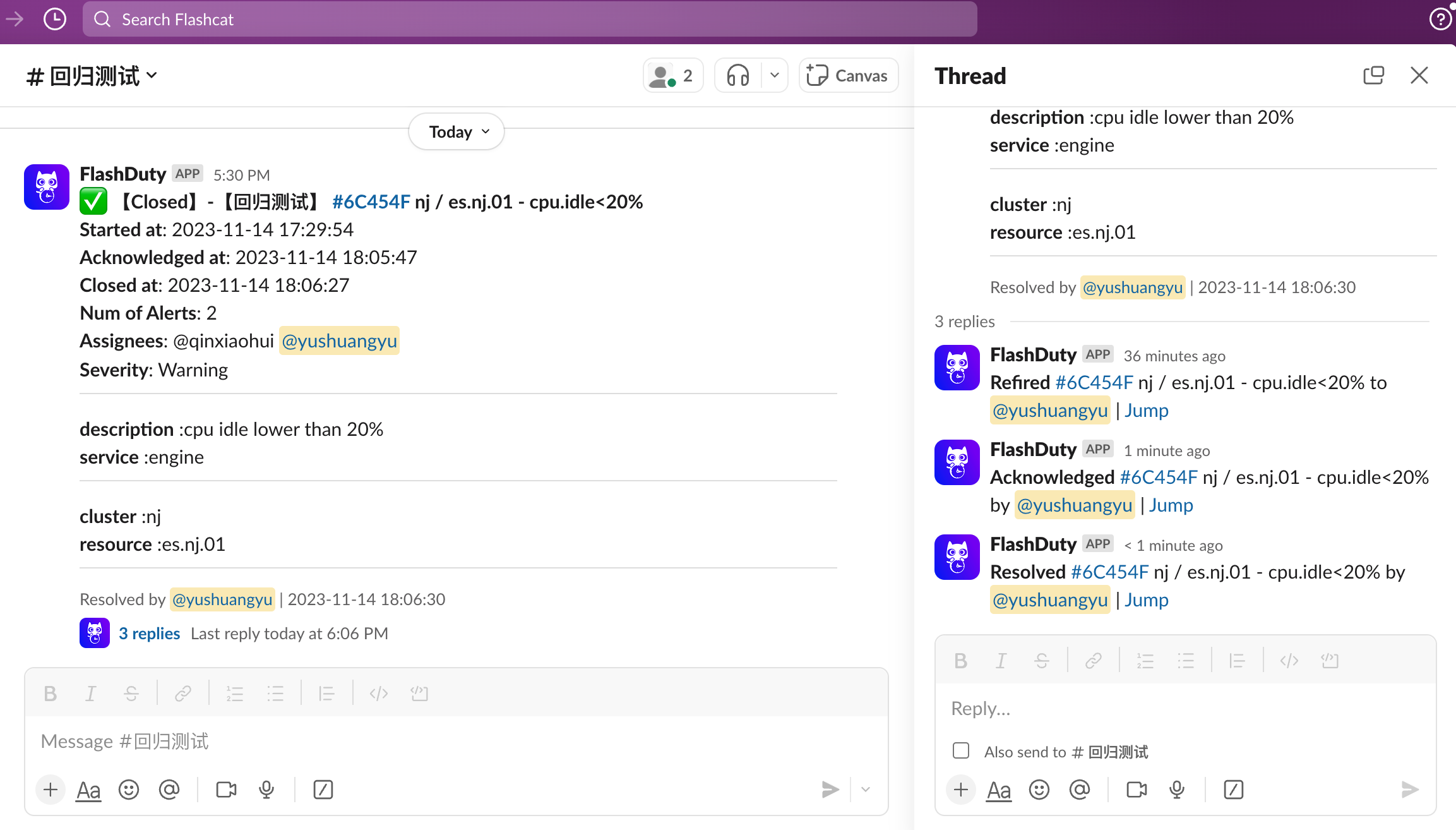
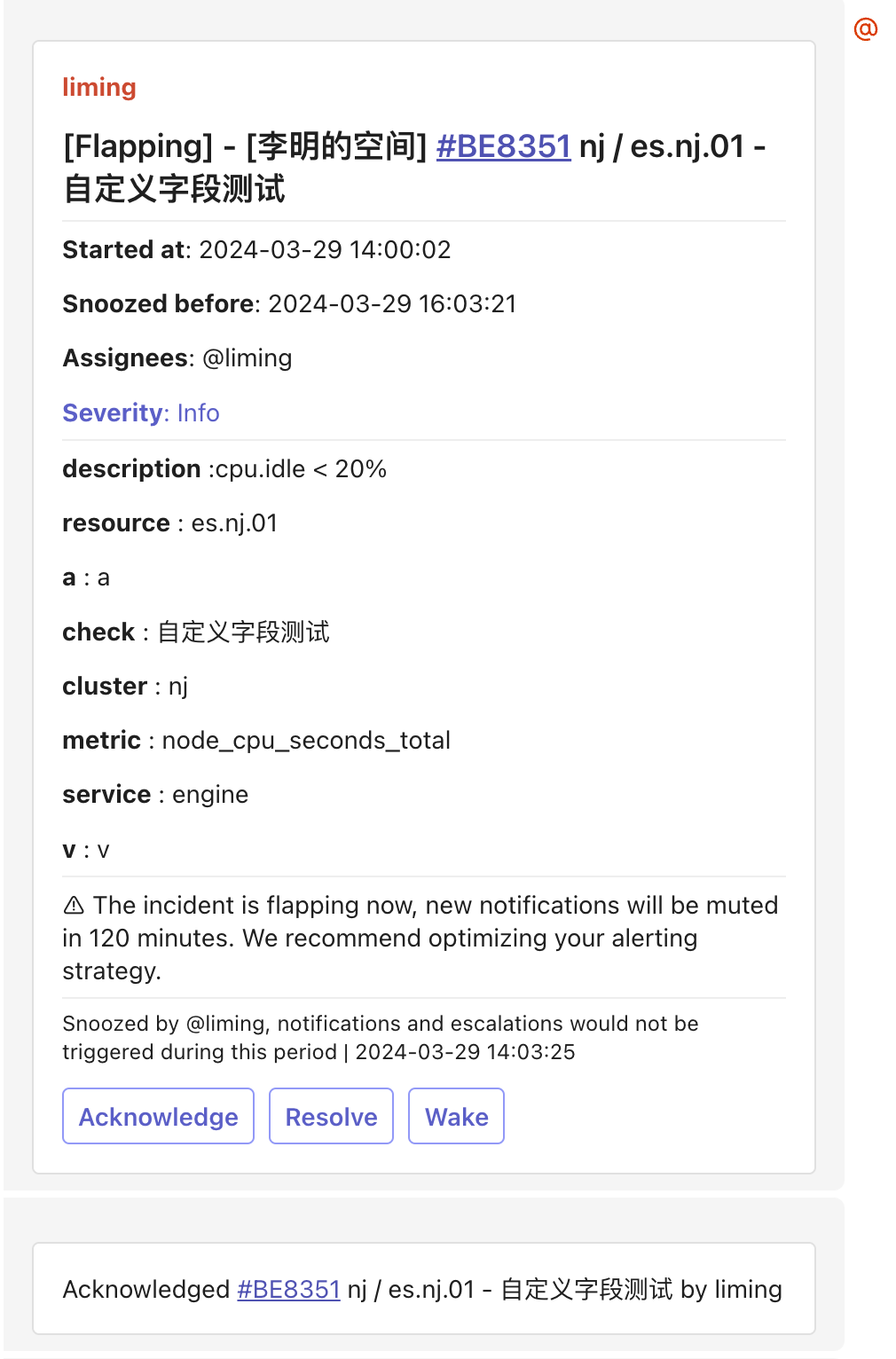
- Slack App
- Microsoft Teams
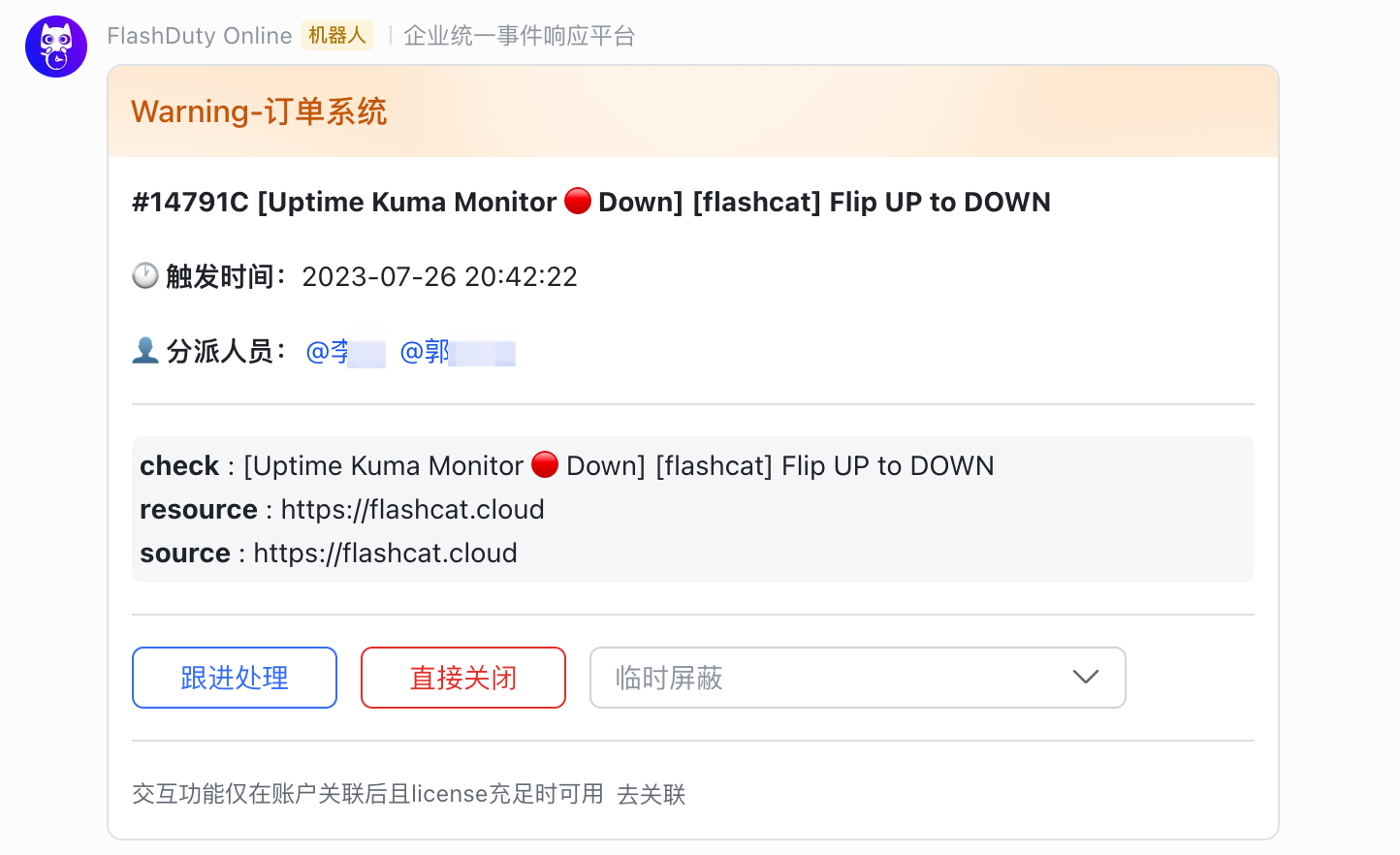
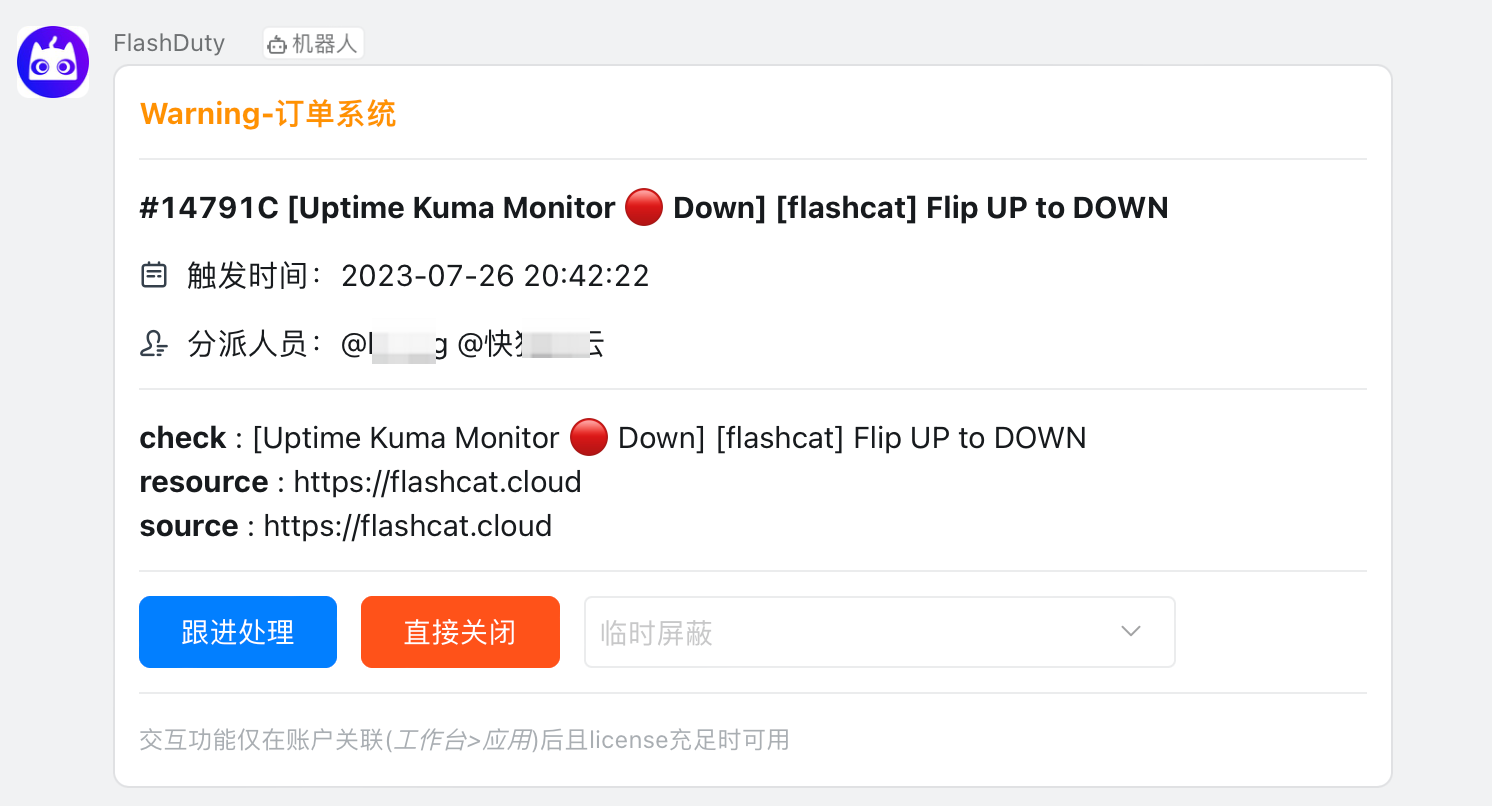
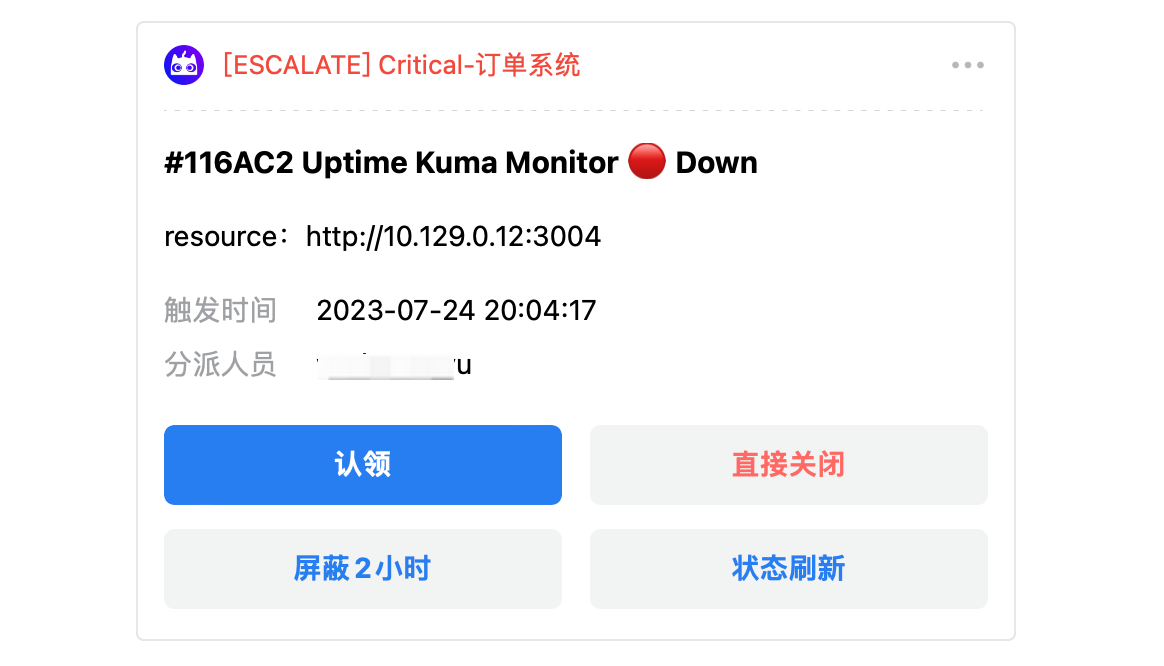
Feishu/Lark App Notification Effect
Card Fields and Bottom Action Buttons
When editing a Feishu/Lark app template, the Additional info tab next to the Content tab provides a card-fields switch panel (“These fields are rendered by the system. Use the switches to show or hide them at the bottom of the message.”), which controls whether 7 system fields — channel, snooze deadline, severity, aggregated alert count, responders, the details button, and AI analysis — are rendered at the bottom of the card.Create war room can be configured on Feishu/Lark app, Dingtalk app, and Slack app templates (backed respectively by thefeishu_app_war_room_enabled, dingtalk_app_war_room_enabled, and slack_app_war_room_enabled fields, off by default; save the template to apply the change). The switch itself is labelled Create war room, and the panel describes it as “Once enabled, a dedicated Create War Room button is shown at the bottom of the card when the group-creation conditions are met.”- On: when the incident is not closed, has no war room yet, and has responders, the card for that channel shows a dedicated 👥 Create War Room button at the bottom; clicking it starts group creation
- Off: no such button is shown
incident_card_closed_action_apps field — an array of the channel keys for which the capability is enabled (e.g. ["feishu_app"]), off by default (an empty array means off); save the template to apply the change.- On (panel description: “Enabled. Configured custom actions can be run from the message card for 3 days after the incident is closed. After that, run them from the incident details.”): configured custom actions can still be run directly from the message card for 3 days after the incident is closed; after that, run them from the incident details page
- Off (panel description: “Disabled. Custom actions are hidden from the message card after the incident is closed. You can still run them from the incident details.”): the message card no longer shows the custom actions entry once the incident is closed; they can still be run from the incident details page
Bot Templates
Template formats supported by group chat bots.- Feishu/Lark Bot
- Dingtalk Bot
- WeCom Bot
- Slack Bot
- Telegram Bot
Message Card (msg_type: interactive)
Message Card (msg_type: interactive)
Rich Text (msg_type: post)
Rich Text (msg_type: post)
Plain Text
Plain Text
Other Channels
- SMS
- Voice
- Email