

Enable Monit alerts
1
Configure and enable an alert rule in Monit
Where: Monit › Alert Rules › Rule DetailsConfigure the monitoring metrics and threshold conditions, and enable alerts.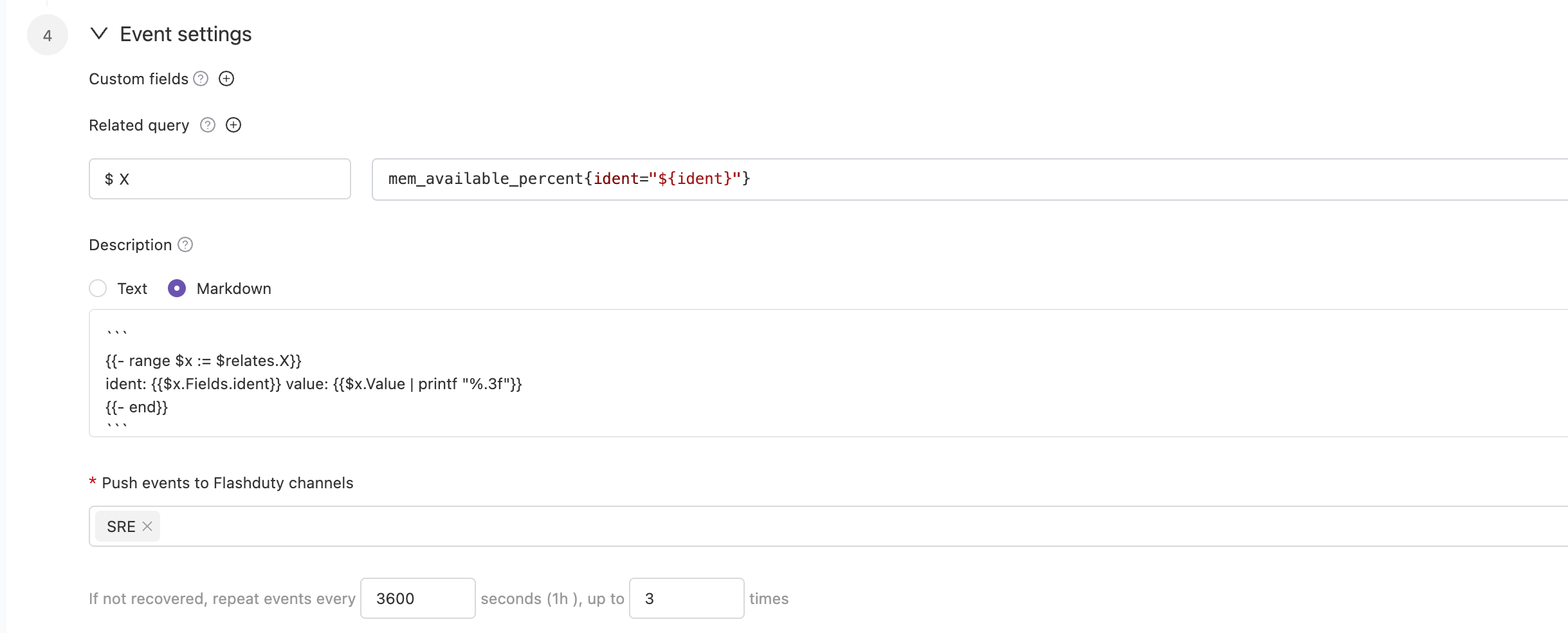
2
Choose where alerts are delivered
Where: Monit › Alert Rules › Rule Details
- Deliver to channels: you can choose multiple channels. Alert notification rules follow the escalation rules under the channel, and you can set responders for the team to assign to responders when alerts occur.
- Deliver to the integration: to route alerts generated by the same alert rule to different channels based on conditions, deliver directly to the integration rather than to the channel list, and set routing rules under the current integration.
3
Confirm the alert arrives
Let the alert rule fire once. A few seconds later the integration in Flashduty shows a Latest event time, which means the setup works.